
Why my Hard Disk Storage size shows 74.48 GB while it supposed to be 80 GB?
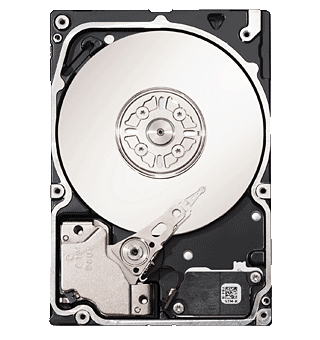 Every body have the same question specially when someone purchase a new Hard Disk and after installing a new Microsoft Windows on it or perform the repartitioning, the Hard Disk total size will show less size than the one supposed to be.
Don’t panic its normal and no one has cheated you however to describe this for you I have to go through some technical details and mathematics:
As you know that the smallest storage size unit is 1 Bit, and 1 Byte consists of 8 Bits, so in computer world when we talk about storage sizes we cannot say for instance the 1 MB consists of 1000 KB because this is a common mistake, the correct thing is that the 1 MB consist of 1024 KB, and 1 GB consist of 1024 MB, and 1 TB consists of 1024 GB.
So to show you the reason why it seems less size that what it should be, see the below example:
My Hard Disk is 80 GB but when I add the partitions sizes it shows me 74.48 GB, so to prove that it’s the same size but represented in different way we have to follow the below steps:
- Divide 80GB by 1024 to get the size in KB:
80’000’000’000 Bit / 1024 = 78’125.000 KB
- Divide the result by 1024 again to get the result in MB:
78’125.000 KB / 1024 = 76’293.9453125 MB
- Divide the result by 1024 again to get it in GB:
76’293.9453125 MB / 1024 = 74.5 GB
This is ≈ 74.48 GB
You might also like to read:
- Hard Disk Drive important notes..
- Hard Disk Bad Sectors and Disk Crash.
- What should I do if I have a Hard Disk Crash?
Recent Posts
If your computer is slow to start, it may be damaged by malware or have too many startup programs. or you may have a hardware or software problem. Some Windows have very impressive startup times,...
Online banking is quick and easy. This is why it is so well-liked by people all around the world. Online payments can also cause trouble. You should take security measures for online banking. Hackers...